- Get link
- X
- Other Apps
🎯 Microsoft Rewards: Easy Guide to Earn Free Gift Cards
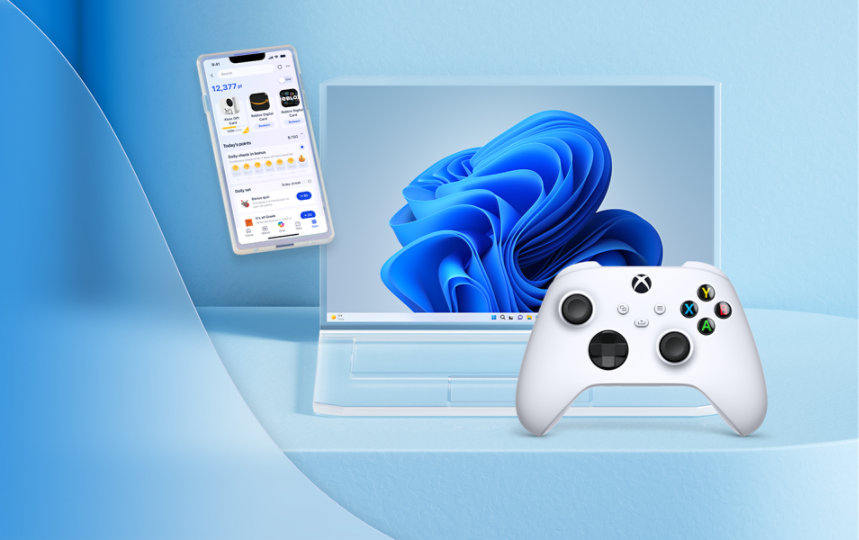
What is Microsoft Rewards?
It’s a free program from Microsoft. You earn points by doing simple things like searching the web, shopping, or playing games. Later, you can use those points to get gift cards, enter contests, or donate to charity.
✅ How to Join
1. Go to microsoft.com/rewards or https://rewards.bing.com/welcome?rh=DB1ED853&ref=rafsrchae
2. Sign in with your Microsoft account
3. You’ll see your Rewards Dashboard
4. Start earning points right away!
💡 How to Earn Points
- Search with Bing (on PC or mobile)
- Shop at Microsoft Store (games, apps, movies)
- Play Xbox games and complete quests
- Do daily quizzes and polls on the dashboard
- Use Microsoft Edge browser for bonus points
🔓 Levels in Rewards
- Level 1: Everyone starts here
- Level 2: Earn 500 points/month to unlock more benefits
Level 2 gives you faster point earning and better rewards.
🎁 What Can You Get?
- Gift cards (Amazon, Flipkart, Xbox, Starbucks)
- Entries into sweepstakes (win gadgets or cash)
- Donate points to charity (education, health, environment)
📱 Use Mobile App for Extra Points
- Download Microsoft Bing app or Rewards app
- Search and do quizzes on your phone
- Track your points easily
🔁 Tips to Earn More
- Search daily with Bing
- Do quizzes and polls every day
- Use Edge browser
- Check dashboard for new tasks
- Stay consistent — more points, more rewards!
🏁 Final Words
Microsoft Rewards is super easy. You don’t need to pay anything. Just use Bing, shop, play, and earn. Start today and enjoy free gift cards for doing what you already do online.
Comments
Post a Comment